
Time Blocking for Busy Professionals
Structure your day into focused work blocks. We’ll show you how to set this up in 15 minutes and actually stick to it.


Why Time Blocking Works When Nothing Else Does
You know the feeling. You’ve got a full day ahead. Then Slack pings you. Your email fills up. Someone drops by your desk. Before lunch, you’ve answered fifty messages and actually completed nothing.
Time blocking fixes this. It’s not complicated — it’s just assigning specific blocks of time to specific work. No multitasking. No context switching. Just you and one task for 60 or 90 minutes straight.
We’ve worked with teams in Wan Chai’s busiest offices. Most people see real changes in their output within the first week. They’re not working longer hours. They’re just working smarter.

Setting Up Your First Time Blocks (The Easy Way)
You don’t need special software or color-coded systems. A Google Calendar and 15 minutes is all it takes.
List Your Real Work (Not Busy Work)
First, be honest about what actually moves the needle. Not emails. Not meetings you’re forced to attend. The actual work that matters. For a designer, that’s design work. For an accountant, that’s analysis and planning. For a manager, that’s strategy and one-on-ones.
Write down 3-5 of these. These are your time block anchors.
Claim Your Peak Hours
You’ve got maybe 2-4 hours per day of genuine peak focus time. For most people, that’s morning — between 8am and noon. Some folks peak at 2pm. Know yourself.
Block these hours first. This isn’t negotiable. No meetings. No “just checking email.” Put a calendar event in that says “Deep Work: [Your Task]” and treat it like a client meeting. Because it is.
Batch Your Reactive Work
Emails, messages, calls — they’ll never stop. Don’t fight it. Instead, batch them into specific times. Maybe 10-10:30am, 2-2:30pm, and 4-4:30pm. That’s when you check everything. Not continuously.
Your colleagues will adjust. They always do. And if something’s truly urgent, they’ll find you.
Protect It Like Your Job Depends On It
The first week, someone will ask you to a meeting during your deep work block. Maybe twice. You’ll feel guilty declining. Don’t.
Offer an alternative time. Be polite but firm. After two weeks, people stop trying. They know your blocks are real.
What Happens When You Actually Stick To It
The first week feels awkward. You’ll finish a deep work block and want to check your messages immediately. Resist. You’ve already set a check time.
By week two, something shifts. Your brain knows it’s got uninterrupted time coming. You start planning better work for those blocks. You stop switching contexts as much.
By week four, you’ll notice something bigger: you’re not staying late anymore. The work that used to take eight scattered hours now takes five focused ones. And it’s better quality because you weren’t constantly context-switching.
Teams we’ve worked with report completing 30-40% more meaningful work with the same calendar hours. Not because they’re working harder. Because they’re working in blocks instead of fragments.

Real Problems You’ll Face (And How To Handle Them)
My Manager Thinks I’m Unavailable
You’re not unavailable — you’re scheduled. Show your calendar blocks to leadership. Explain that you’re protecting time to deliver better work on their priorities. Most managers get it immediately. The ones who don’t usually have a deeper problem with how work gets done on their team.
I Can’t Focus For 90 Minutes Straight
Start with 45. Or 60. Your brain’s focus muscle needs training just like any other muscle. After a month of consistent 45-minute blocks, you’ll notice 60 gets easier. Don’t force it. Work with your actual capacity, not some ideal.
Something Always Comes Up During My Block
Document what “comes up” for a week. You’ll probably find it’s not as urgent as it feels in the moment. Most interruptions can wait 60-90 minutes. The ones that genuinely can’t? Those are rare. Once you see the data, it’s easier to stay committed.
My Team Doesn’t Respect The Blocks
Set boundaries clearly. Put “Do Not Disturb” in your Slack status during blocks. Close your door. Turn off notifications. Don’t be polite about this part. Your team will respect the boundary once they see you’re serious about it.
Tools That Actually Help (You Don’t Need Many)
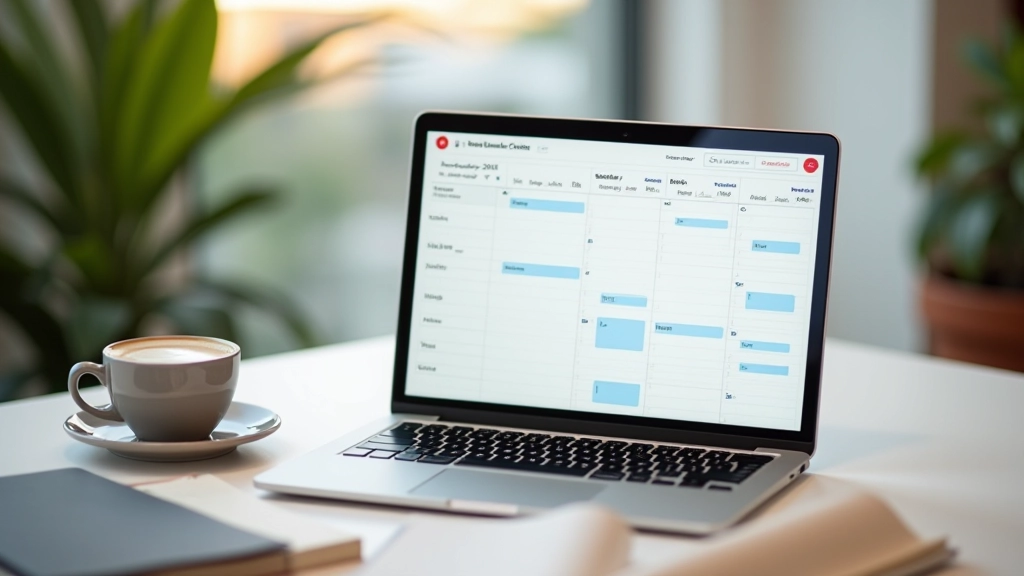
Google Calendar or Outlook — that’s genuinely all you need. You don’t need a special time-blocking app or elaborate system. The tool doesn’t matter. Consistency matters.
If you want something slightly more structured, Fantastical or Structured offer nice interfaces. But they’re optional. A calendar event with a clear title and a Do Not Disturb setting will work just fine.
The trap people fall into: buying expensive software instead of changing behavior. Don’t be that person. Start with what you already have. If it works, great. If you need something else later, you’ll know.
Start This Week, See Results This Month
Time blocking isn’t a productivity hack. It’s not a clever system that lets you do more with less. It’s just a structured way of protecting focus time in an environment that wants to fragment your attention constantly.
The professionals we’ve trained who’ve seen the biggest improvements? They’re not doing anything magical. They’re just blocking time, protecting it fiercely, and actually working during those blocks.
Try it for two weeks. Use Google Calendar. Block your peak hours. Batch your reactive work. See what happens. Most people notice real changes immediately — not from working harder, but from working in focused blocks instead of constant interruption.
Educational Disclaimer
This article is provided for educational and informational purposes only. Time blocking techniques may work differently depending on your specific role, industry, and organizational culture. Results described here are based on observations from teams we’ve worked with, not guaranteed outcomes. Your individual results will depend on how consistently you apply these techniques and how your specific workplace culture supports focused work practices. Consider consulting with a productivity coach or manager if you’re implementing major changes to your work schedule.
Related Articles