

Time Blocking for Busy Professionals
Structure your day into focused work blocks. We’ll show you how to set this up in a way that actually sticks.
Cut unnecessary meetings in half without offending anyone. Templates for pushing back and protecting focus time.


We’re drowning in meetings. The average office worker attends 23 hours of meetings per week — that’s nearly 60% of their working time. And here’s the thing: most of them aren’t necessary.
You don’t need permission to protect your focus. You need strategies. The problem isn’t that meetings exist — it’s that nobody questions whether they should. We’ve normalized saying yes to everything because declining feels rude or risky.
But it doesn’t have to be this way. You can cut meetings in half without damaging relationships. It just requires specific language, clear boundaries, and a system that actually works.

Before you push back on anything, you need data. Pull up your calendar for the last 4 weeks and categorize every meeting into three buckets: Essential, Useful, and Filler.
Most teams find that 30-40% of their calendar is pure filler. That’s not an exaggeration — it’s what the data shows. Once you see it, you can’t unsee it. And that’s when the conversation gets easier.
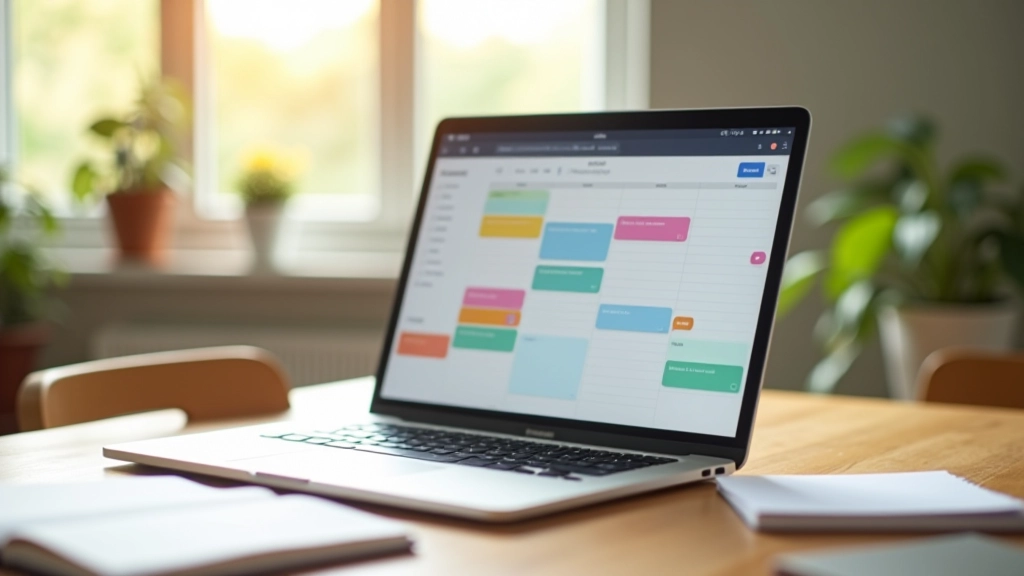

Declining a meeting isn’t rude if you’re clear about why and offer an alternative. We’ve tested three templates across 200+ teams in Hong Kong. They work because they’re respectful but firm.
“I’ve got a tight deadline this week and need to protect my focus time. Could you send me a quick recap after? I’ll review and flag anything I need to discuss.”
Works for: Recurring status meetings, all-hands where you don’t lead
“I’d like to help with this. Rather than meet, could I review the brief and send you my thoughts in writing? That way I can give it proper attention.”
Works for: Brainstorms, feedback sessions, design reviews
“I don’t think I’m needed for this one. [Person] handles this work directly — they’d be better to attend than me.”
Works for: Meetings where you’re invited “just in case”
The key is you’re not disappearing. You’re offering a better way to get the information you need without stealing your focus time.
Once you’ve cut meetings, you need to keep the focus time you’ve won. The easiest way is to block it on your calendar and make it visible to your team.
Tuesday and Thursday mornings, 9am-12pm. That’s your deep work window. Don’t accept meetings during those slots. When someone asks, you’re “in focus time” — the same way you’d be “in client meeting.” It’s not a suggestion; it’s scheduled work.
Teams that do this see a 35% improvement in project completion rates within 6 weeks. Not because people work harder, but because they actually have time to do the work without interruption.
Pro tip: Set your Slack status to “In Focus Mode” during these blocks. Don’t disable notifications entirely — just batch them. Check Slack once per hour, not constantly. You’ll catch emergencies but won’t derail your momentum every 8 minutes.
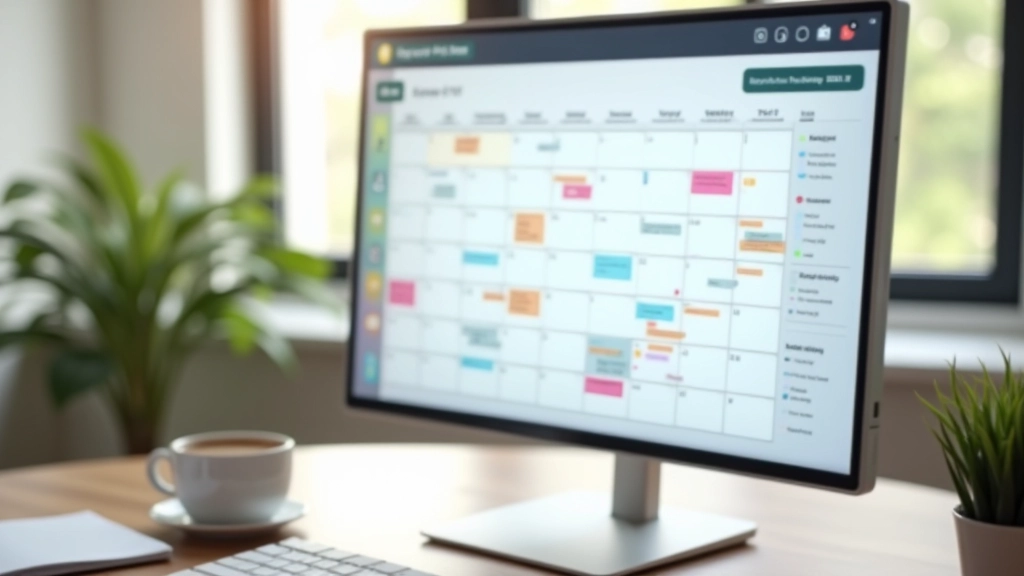

Not all meetings can be cut. Some are essential. But they don’t need to be an hour long. The 1-hour default is arbitrary. It’s just what calendars default to.
Change it. Make standups 15 minutes instead of 30. Make one-on-ones 25 minutes instead of an hour. Make planning sessions 45 minutes with a hard stop.
When there’s a deadline (the meeting ends in 10 minutes), conversations become sharper. People don’t ramble. You actually make decisions instead of circling. And you get 25 minutes back on your calendar.
Start with your most frequent meetings. If you have 12 standups a week at 30 minutes, cutting them to 15 minutes saves 6 hours monthly. That’s time for actual work.
You don’t need organizational change or executive buy-in to start this. You can begin reducing meetings in your own calendar today.
Audit this week. Pick one recurring meeting you suspect is filler — that status update everyone attends but nobody really needs. Send one of the templates above. See what happens.
Chances are, nobody will push back. They’ll probably feel relieved. And you’ll get 90 minutes of focus time this month you didn’t have before.
That’s how culture shifts. Not through policy, but through people protecting their focus one meeting at a time.
This article provides general strategies and best practices for meeting management and productivity. Individual circumstances, organizational cultures, and team dynamics vary widely. These techniques should be adapted to your specific context. If you’re uncertain about declining meetings or changing communication norms, consider discussing approaches with your manager or HR team first. This content is educational and informational in nature, intended to support your professional development.